A clear look at client-side testing

How Client-Side A/B Testing Works

Written by Neil Webley · Last updated

FreeCROTool uses a small tag on your website to check for active tests, show each visitor the correct page version and record the results in Google Analytics.

The entire process happens automatically in the background while visitors continue using your website as normal.

What happens when someone visits your website?

From the first page load to reporting, FreeCROTool handles the process in the background.

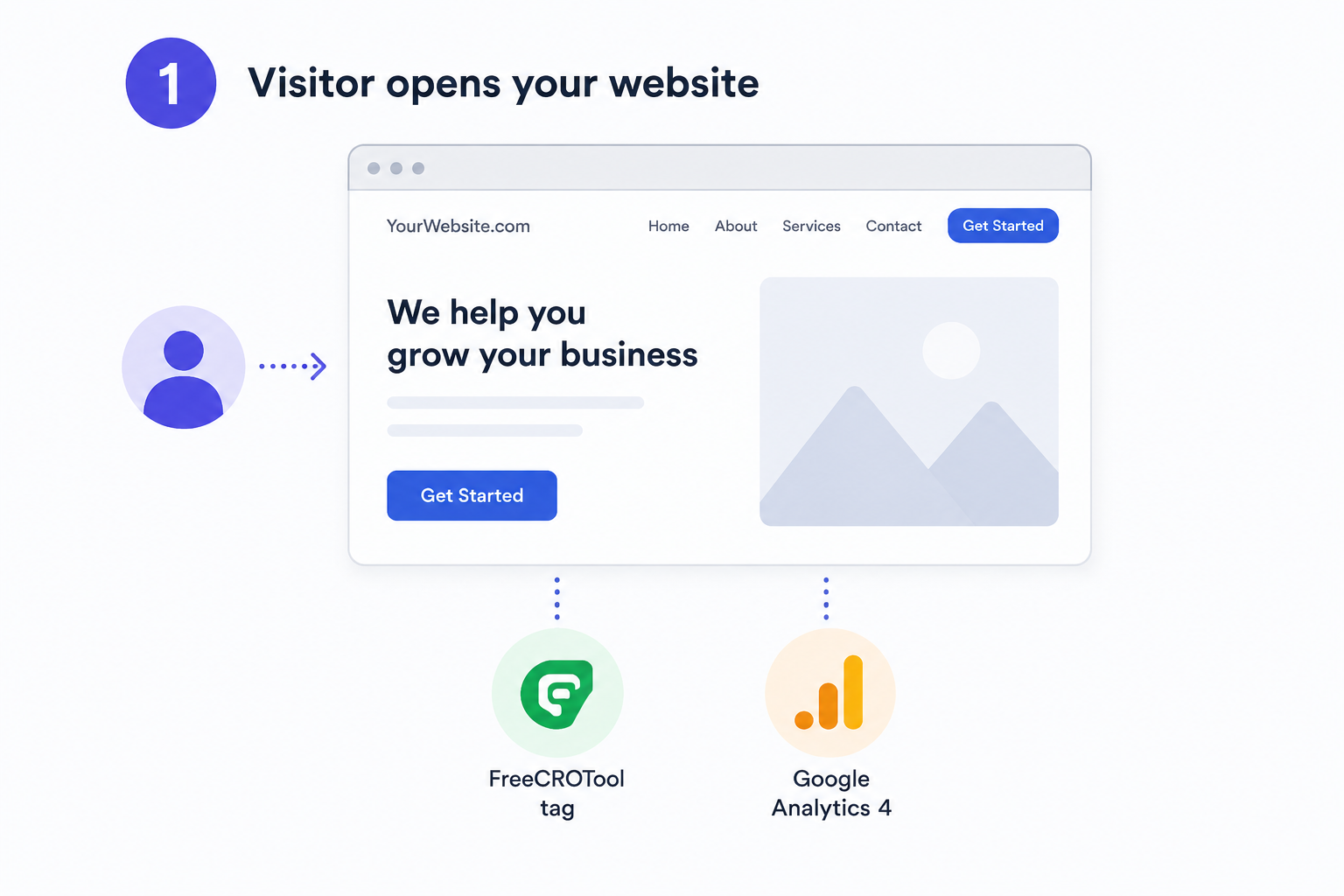
1. The visitor opens your website

Your website begins loading normally. The FreeCROTool tag is installed alongside your existing Google Analytics setup.

The tag is small and works quietly in the background. Visitors do not need to install anything or visit a separate page.
See what you need to get started with FreeCROTool.

A visitor opening a website with the FreeCROTool tag installed

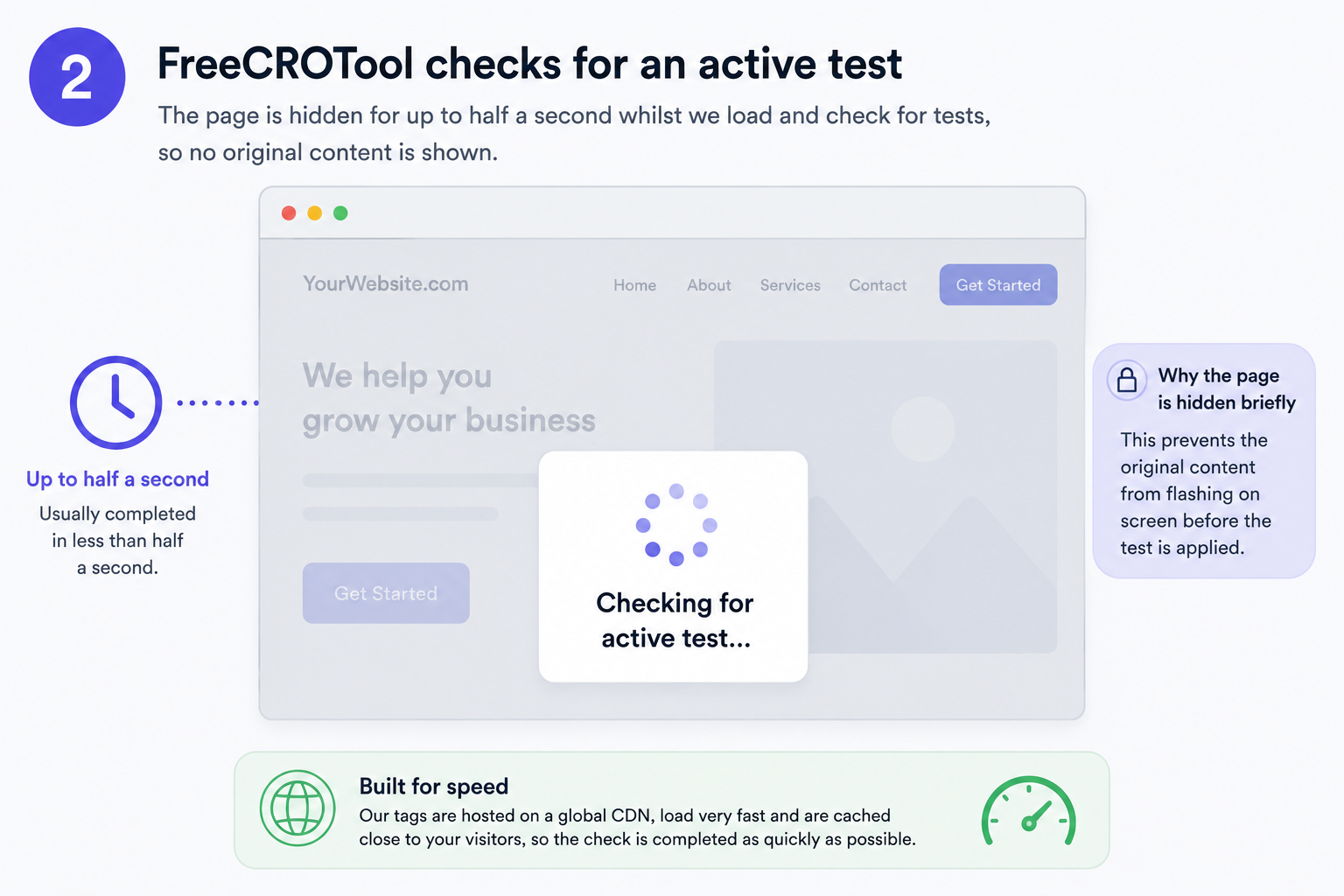
2. FreeCROTool checks for an active test

The page can be hidden for up to half a second while FreeCROTool loads and checks for any experiments that apply to the visitor.

This prevents the original page content from briefly appearing before the test version is applied, avoiding the distracting flicker sometimes seen with client-side testing.

If no test loads before the safety timeout, the original page is shown automatically.

FreeCROTool checking for an active website experiment

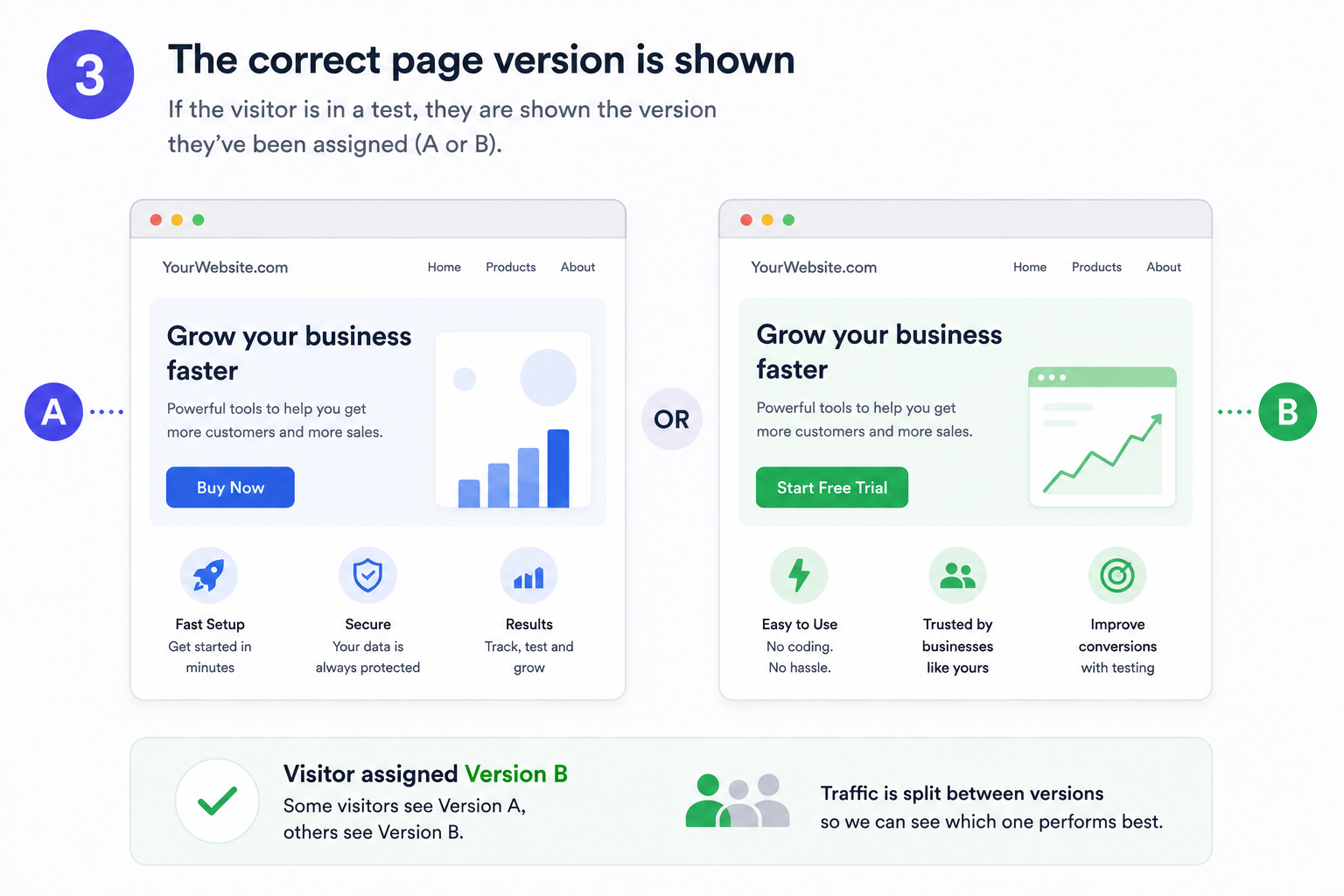
3. The correct page version is shown

If the visitor is included in a test, FreeCROTool applies the version they have been assigned.

Some visitors may see the original Version A, while others see Version B with changes such as a different heading, call-to-action, image, banner or page content.

The visitor then keeps the appropriate test experience as they continue through the website, subject to the project’s consent and visitor-assignment settings.

See how to create page variations with the visual editor.

Visitors being shown Version A or Version B of a web page

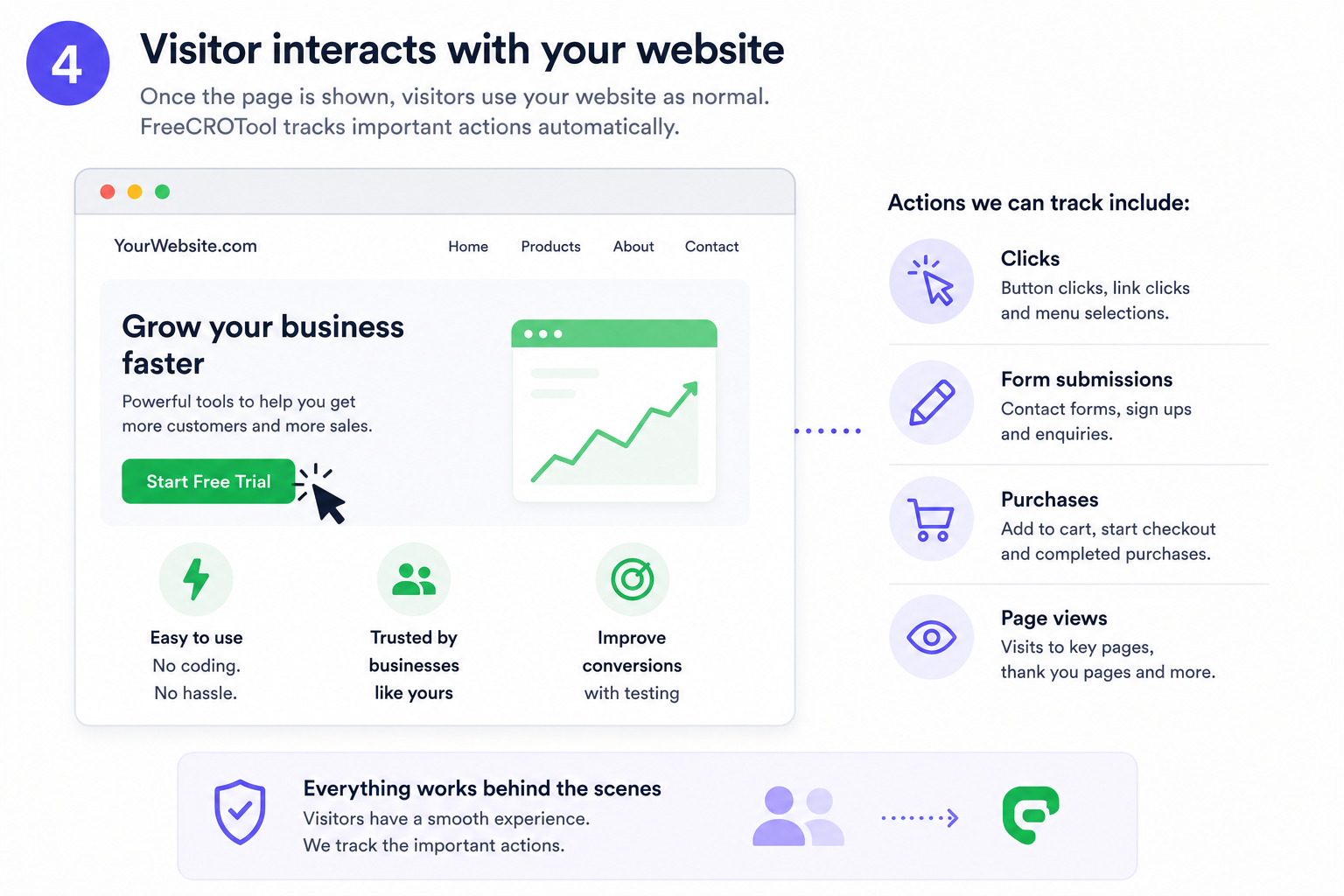
4. The visitor uses your website normally

Once the page is shown, the visitor can browse the website exactly as they normally would.

FreeCROTool can record important actions through Google Analytics, including button clicks, link clicks, form submissions, visits to important pages, checkout activity and completed purchases.

  • Clicks
  • Form submissions
  • Page visits
  • Purchases
Website actions such as clicks, forms, page visits and purchases being measured

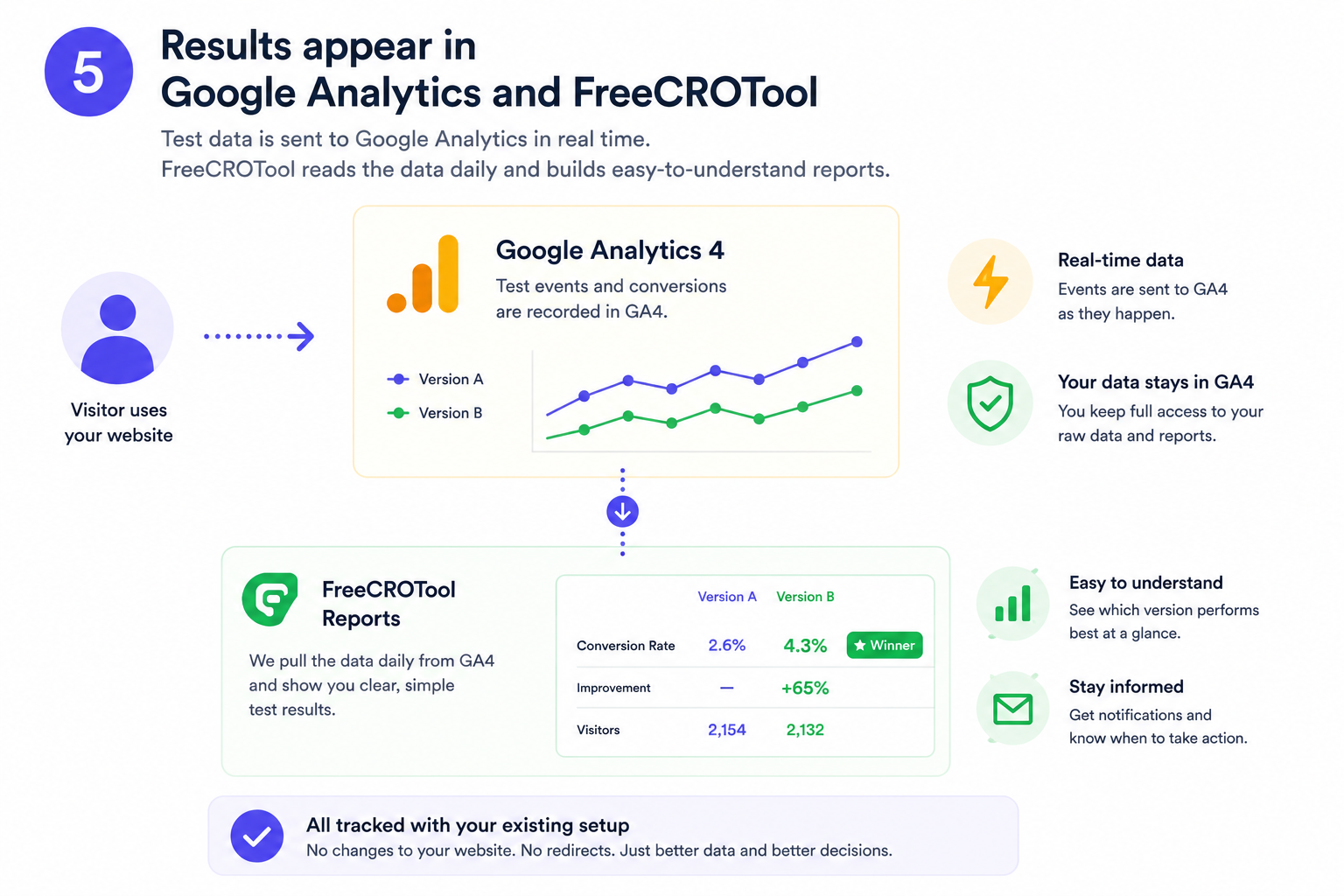
5. Results appear in Google Analytics and FreeCROTool

Test participation and conversion activity are sent to Google Analytics using events that include the experiment and variation information.

This means the underlying test data remains available in the website owner’s own Google Analytics property.

FreeCROTool reads the relevant Google Analytics data each day and turns it into clear experiment reports, making it easier to compare Version A and Version B.

Google Analytics events are sent as activity happens. FreeCROTool reports are refreshed from the available Google Analytics 4 (GA4) data on a daily basis.

Learn more about FreeCROTool reporting and analysis.

A/B test results shown in Google Analytics and FreeCROTool reports

Designed to be safe, fast and easy to understand

Your website stays available

If a test cannot be loaded quickly enough, the original page is revealed automatically.

Fast global delivery

Tags are hosted on a global CDN and cached to reduce loading time.

Your data stays in GA4

Test events and conversions are recorded in your own Google Analytics property.

No permanent page changes

FreeCROTool applies test changes in the visitor’s browser without replacing the original website page.

What about cookie consent?

FreeCROTool should be initialised in line with the website’s consent configuration.

Where Google Analytics or test measurement requires consent, the testing process can wait until the appropriate permission has been provided. FreeCROTool can help customers configure this for common consent-management platforms.

A setup that fits your website

Consent requirements and configurations vary. FreeCROTool can be set up to respect the choices visitors make through your website’s consent process.

Ready to test your website?

Create visual A/B tests, measure the results in Google Analytics and start with up to 10,000 tag impressions per month for free.

© 2026 FreeCROTool. All rights reserved | FAQ | site map | Terms and conditions